Signing Down
Signing down is the first thing sales users should do when they arrive for the day. Downdesk users and Managers have the ability to sign down users on their behalf, but salespeople have the capability of doing this for themselves.
Sign Down using the desktop app
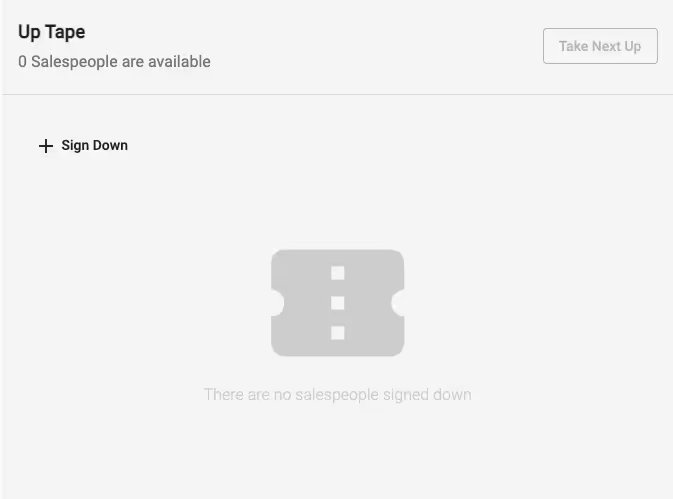
Managers and Downdesk users will be required to set thier filters in the top right corner of the screen. By default, once you’ve logged in you will be taken right to Today’s Up Tape. If other salespeople have signed down, you’ll see their name in the order they signed down. To sign down click the Sign Down button.
Salesperson Field
If you are salesperson, your name will automatically be generated in this field.
uptape
There is more to read here, see all that Uptape has to offer. Schedule a demo today!
Already have an account with the Uptape app?
Loginuptape